/
PRODUCT OVERVIEW
/
PRODUCT OVERVIEW
THE IDEA
Finally, software that helps.
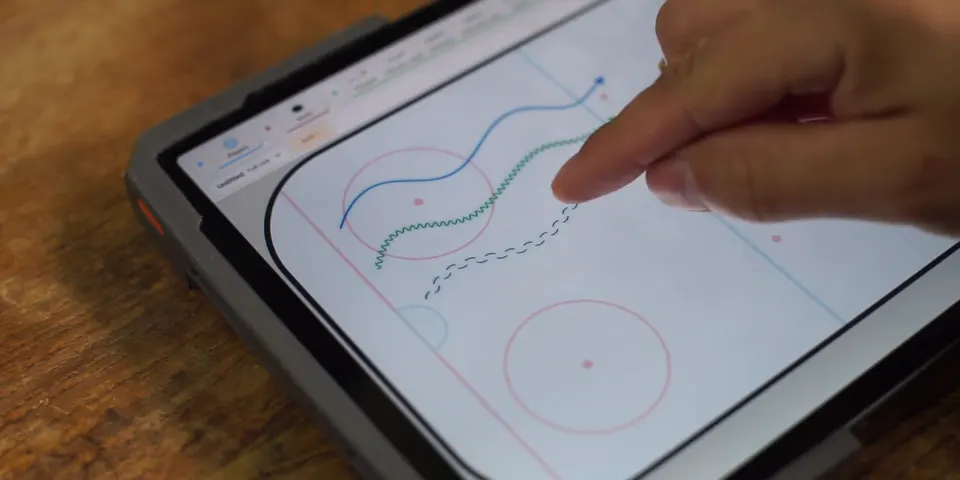
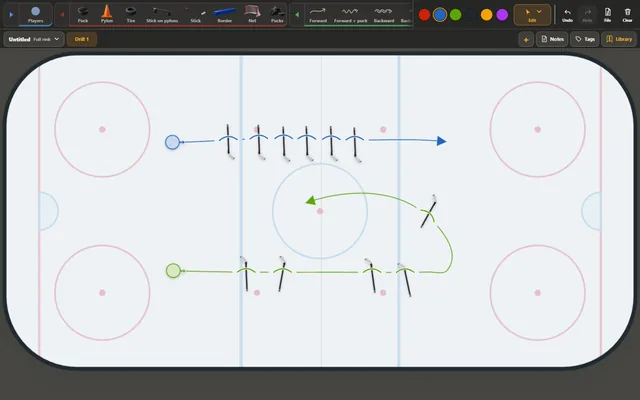
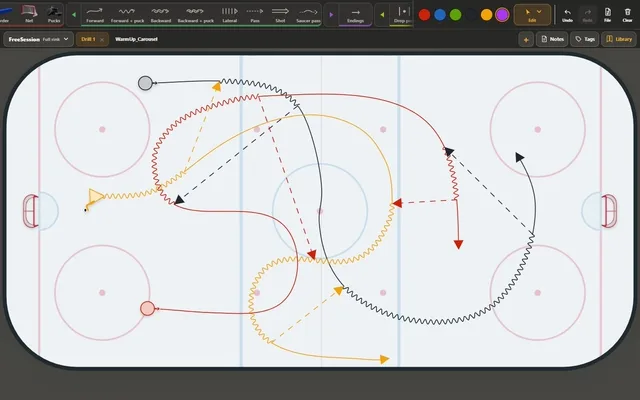
Great coaching ideas shouldn’t get stuck in software. JB_Drill is built for coaches who create their own drills. They can sketch the action almost as naturally as they would on a board. The app handles the repetitive details, brings the action to life, and makes the result easy to share with players before practice. Less time explaining at the board. More time coaching on the ice.
Paper is fast for a sketch. JB_Drill stays fast all the way to a finished drill.
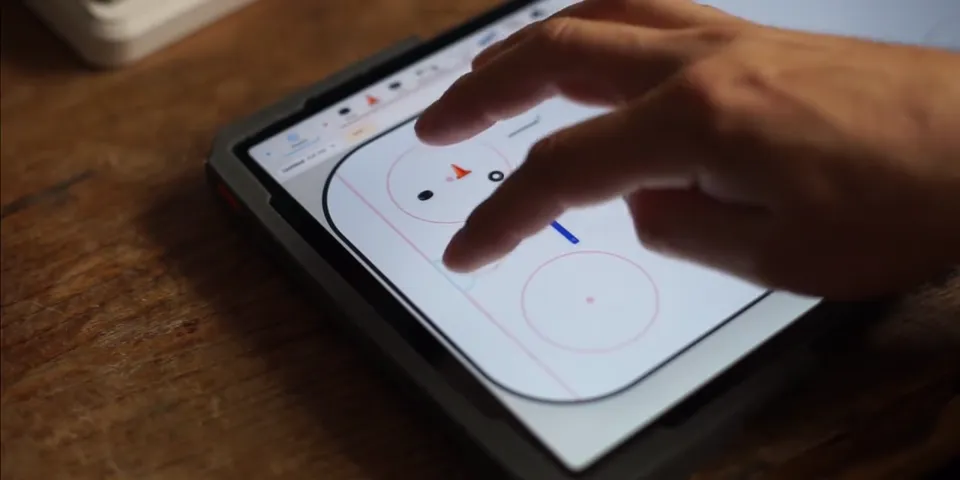
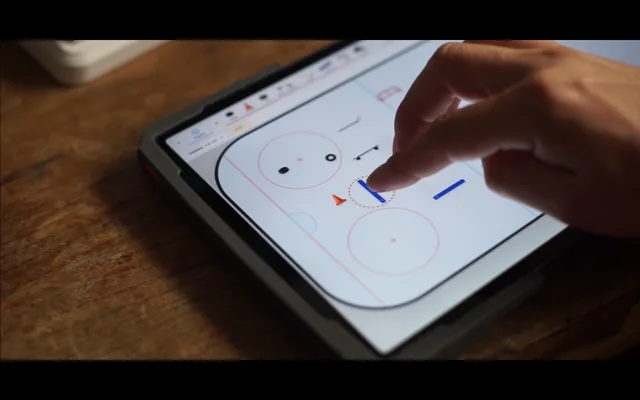
JB_Drill is built for touch on Android tablets and comfortable mouse-and-keyboard editing on Windows PCs. The same drill format works on both.
WHAT'S IN THE BOX
From first sketch to shared play.
Smart drawing
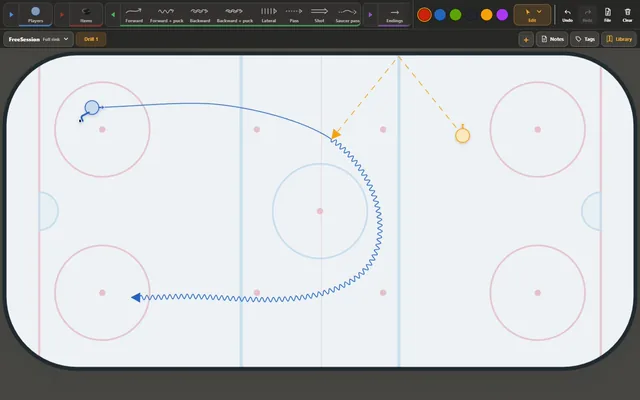
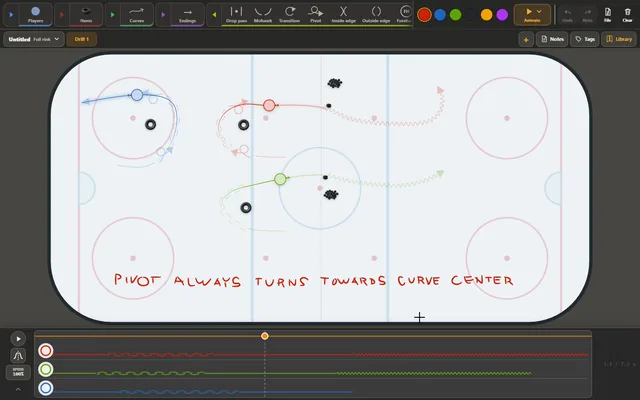
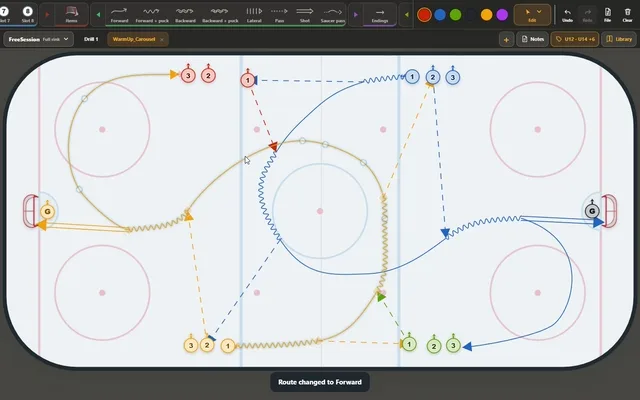
Routes respond to players, puck possession and the action around them.
02 / MOVEAnimate
Turn a drill into a timed sequence with player movement and queues.
03 / EXPLAINTactics
Show formations, puck movement and special-teams decisions over time.
04 / SHAREJB_Play
Share an interactive session players can explore at their own pace, without opening the editor.
05 / ORGANIZELibrary
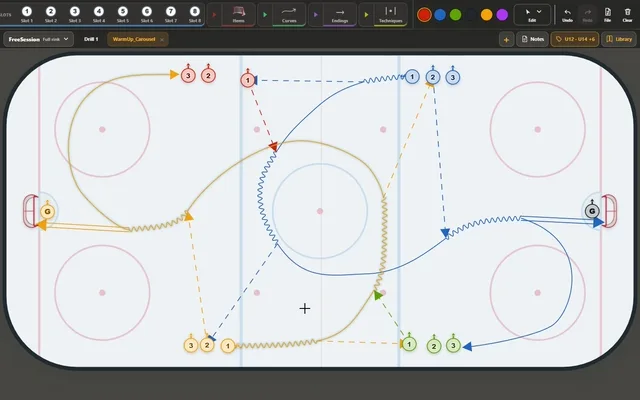
Grow a searchable collection of personal coaching know-how, then build a session from saved drills in just a few clicks.
06 / ANNOTATEPaint
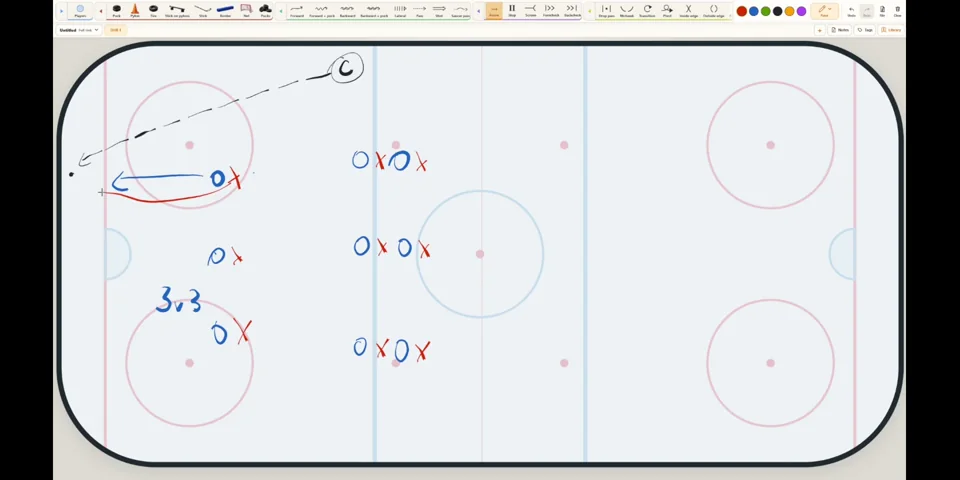
Add freehand marks to the rink to explain a play during a game or explore a new drill idea.
07 / EXPORTPDF & MP4
Turn a session into a PDF or video carrying the club's own identity.
SMART DRAWING
The rink understands context.
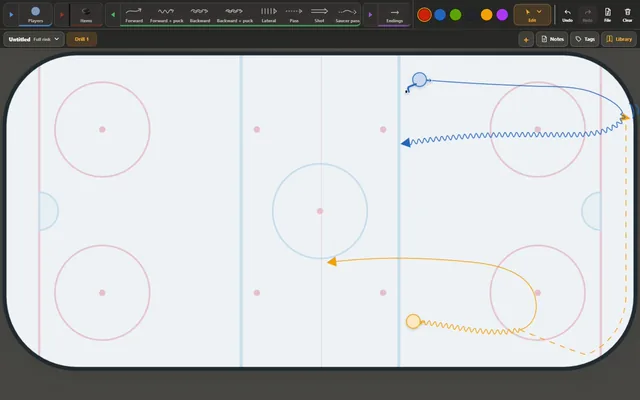
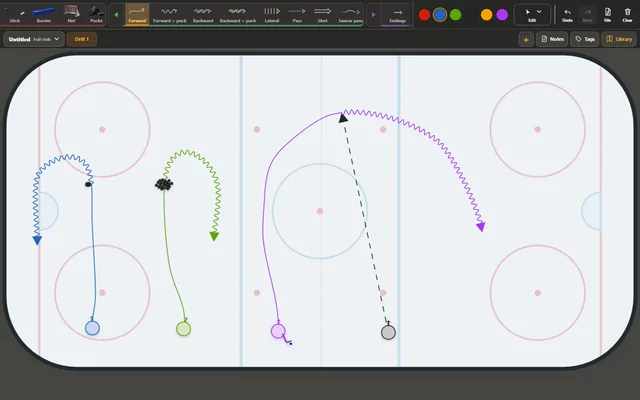
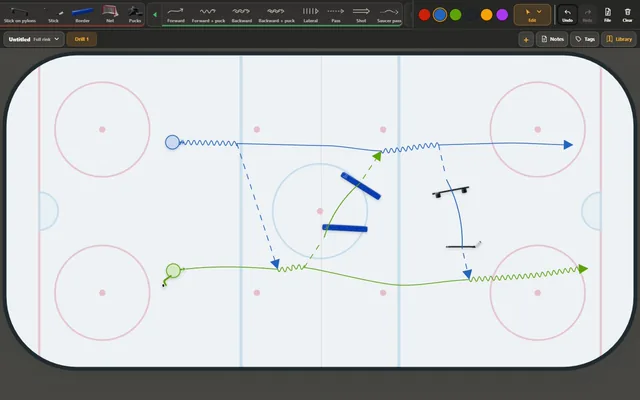
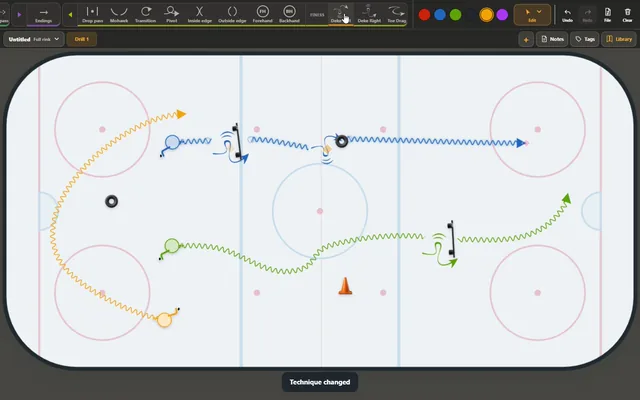
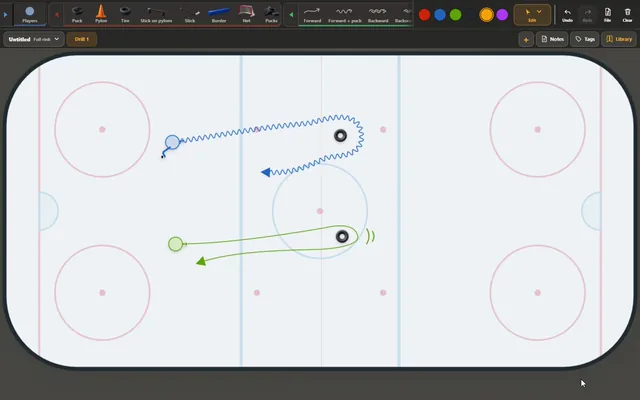
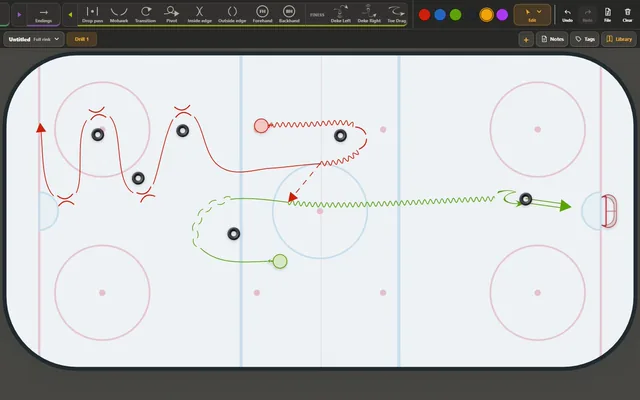
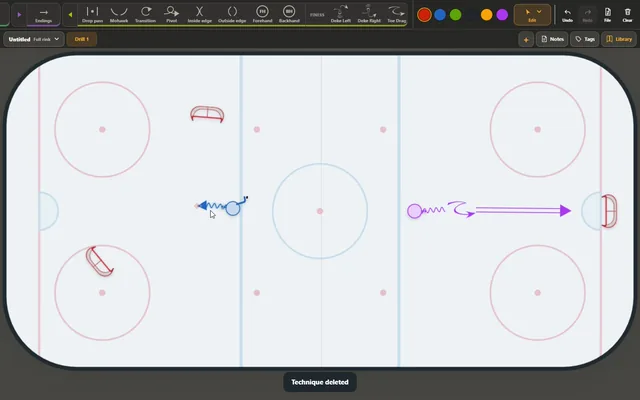
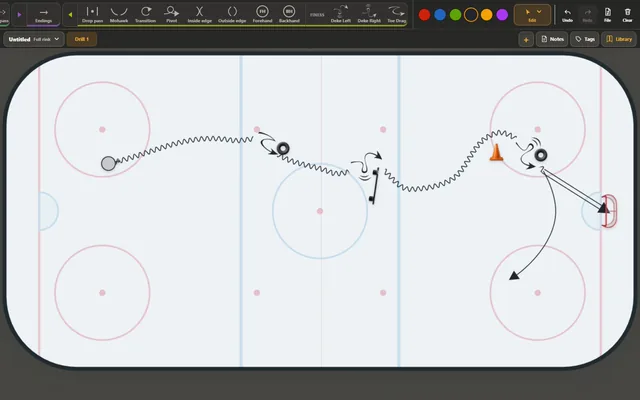
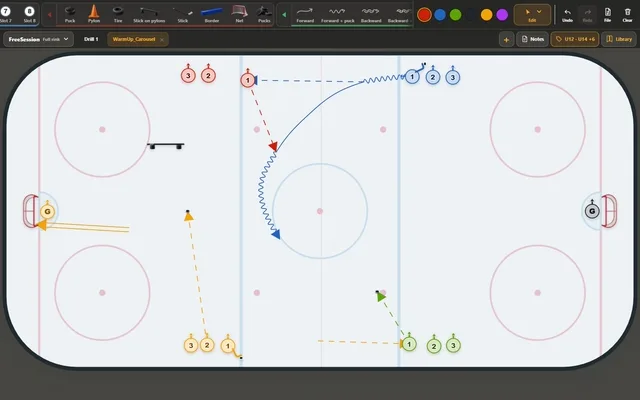
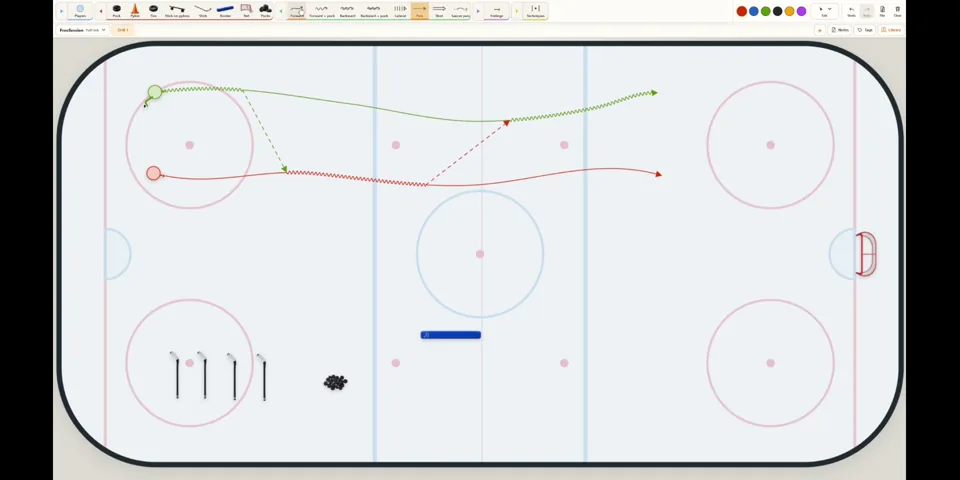
Draw first—there is no need to choose a line type before every stroke. JB_Drill infers skating, passes, shots and other actions from context, removing most of the tool switching that slows drill drawing down in conventional editors. Routes connect to players, passes and other routes while following puck possession. JB_Drill can also add matching techniques and recognize when a player collects a puck from a pile. Reshape the play and those connections stay with it.
ANIMATE
Make timing visible.
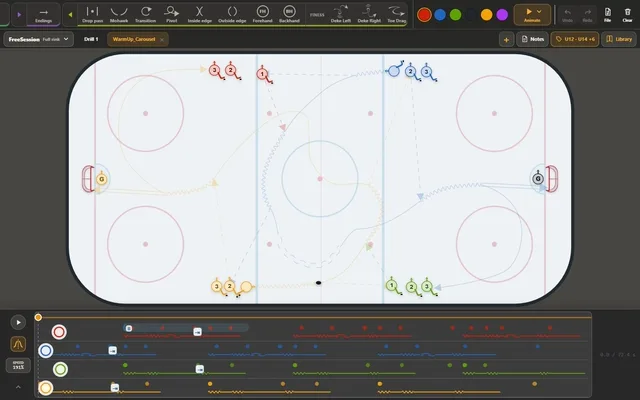
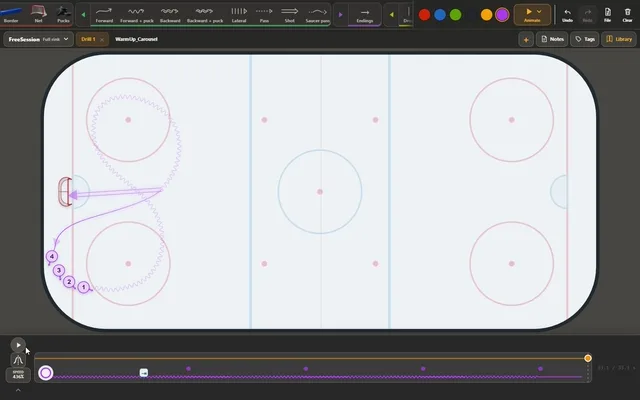
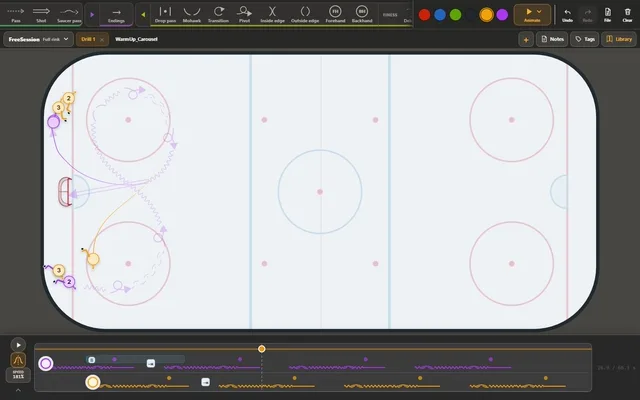
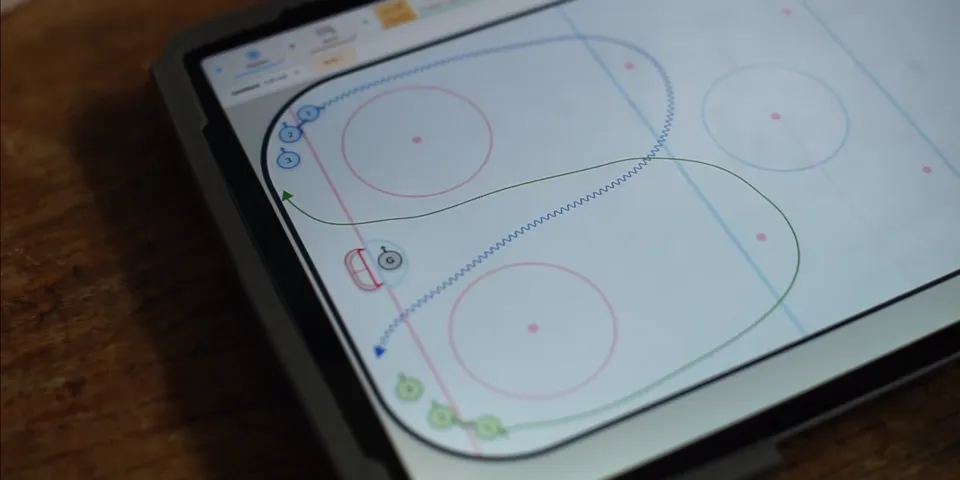
JB_Drill builds an initial schedule from the event graph, queues and player links. Scrub the timeline, move a player along an existing route, or adjust the speed and wait time of one section. Global speed, symmetric second phases and queue rotation remain editable without redrawing the drill.
TACTICS
Animate formations, not just routes.
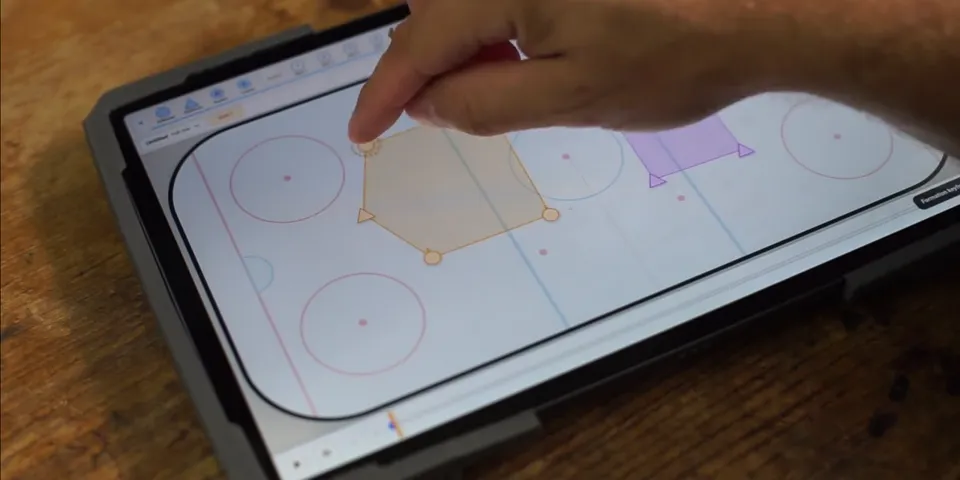
Link players into a unit, place formation keyframes and move either an individual or the entire shape. Formation overlays, player labels, puck movement and independent timing make the same canvas useful for breakouts, special teams, defensive structure and lineup presentations.
JB_PLAY
One link. The whole session.
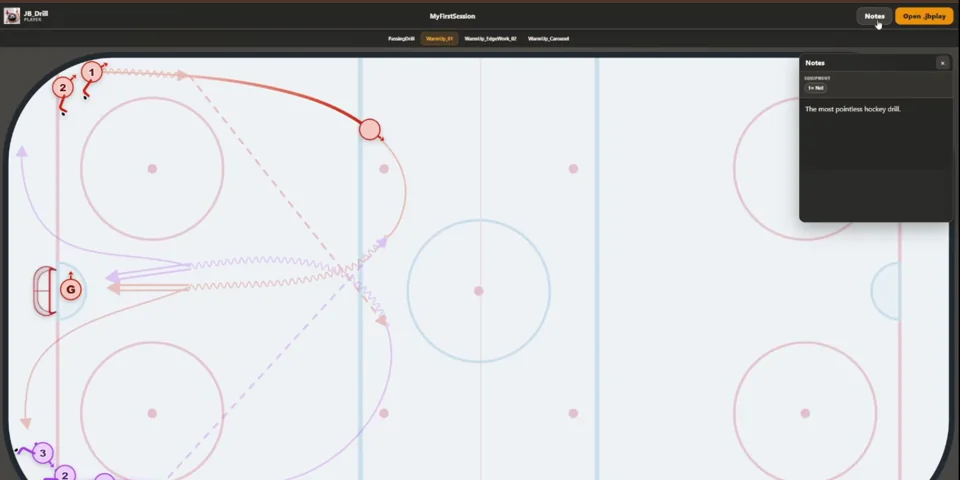
Share the complete session with one click. The link opens JB_Play directly in a browser, so the recipient needs no JB_Drill installation or account. JB_Play is an interactive online player: browse every drill in the session, play or scrub the animation, and open the notes and equipment list whenever needed.
LIBRARY, SESSIONS & EXPORTS
From library to locker room.
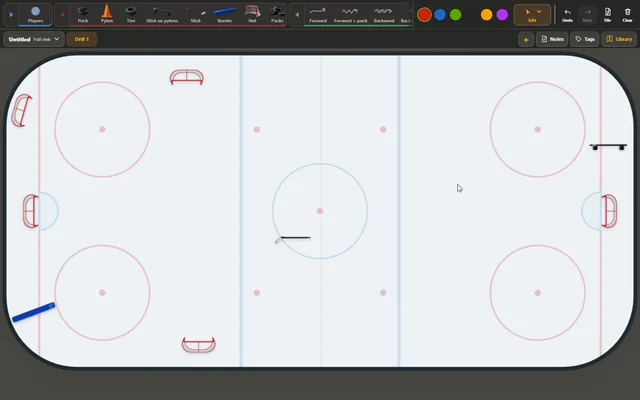
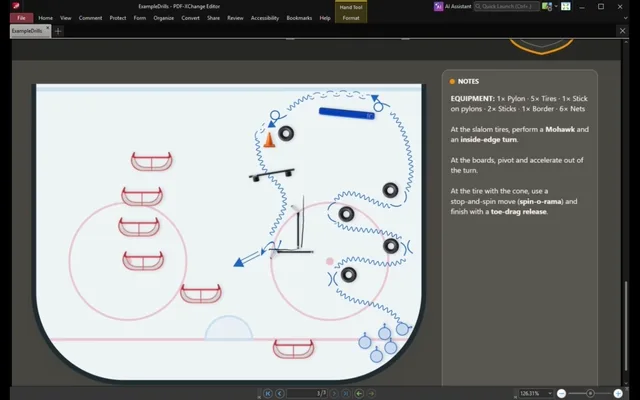
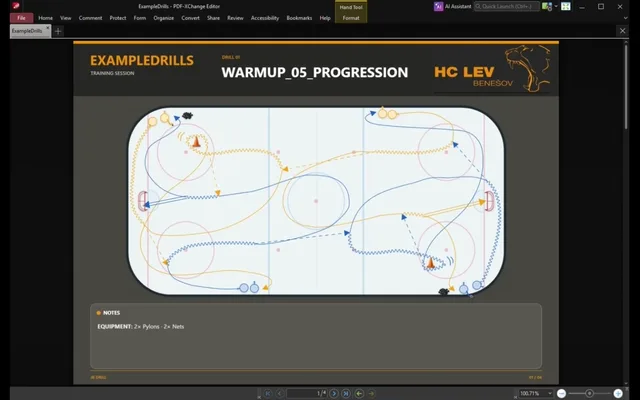
Save every drill to a searchable Library, then combine proven ideas into a complete training session with notes, tags and automatic equipment counts. When the plan is ready, export it as a polished multipage PDF or a continuous MP4 carrying the club's own identity.
PAINT
Sometimes freehand says it best.
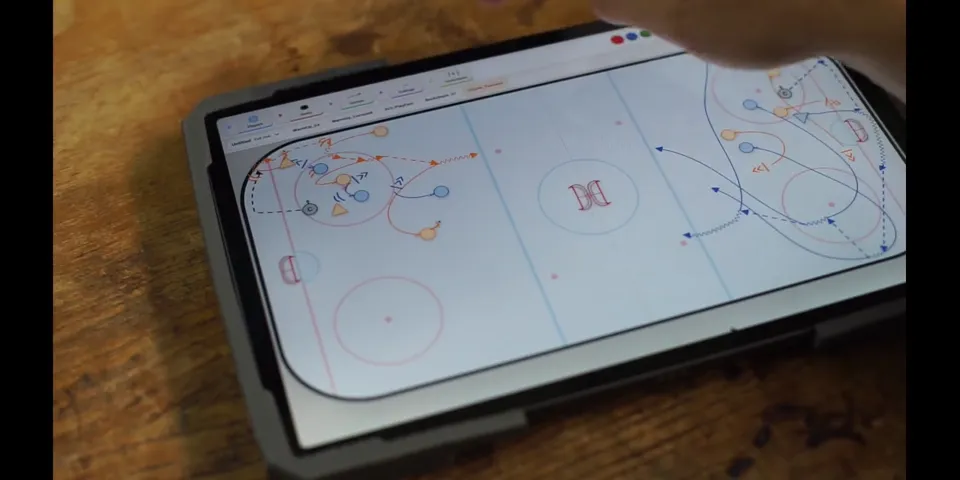
Sketch a drill the old-school way, just as you would on paper. Add notes and freehand ideas over an existing drill, erase individual strokes or clear the entire painting. Paint is tuned for mouse and touch, with pressure-sensitive pen support for natural line weight.